
Cloud Computing Careers: AWS, Azure and Google Cloud
Explore cloud computing careers, including AWS, Microsoft Azure and Google Cloud roles, essential technical skills, certifications, job responsibilities and career opportunities.
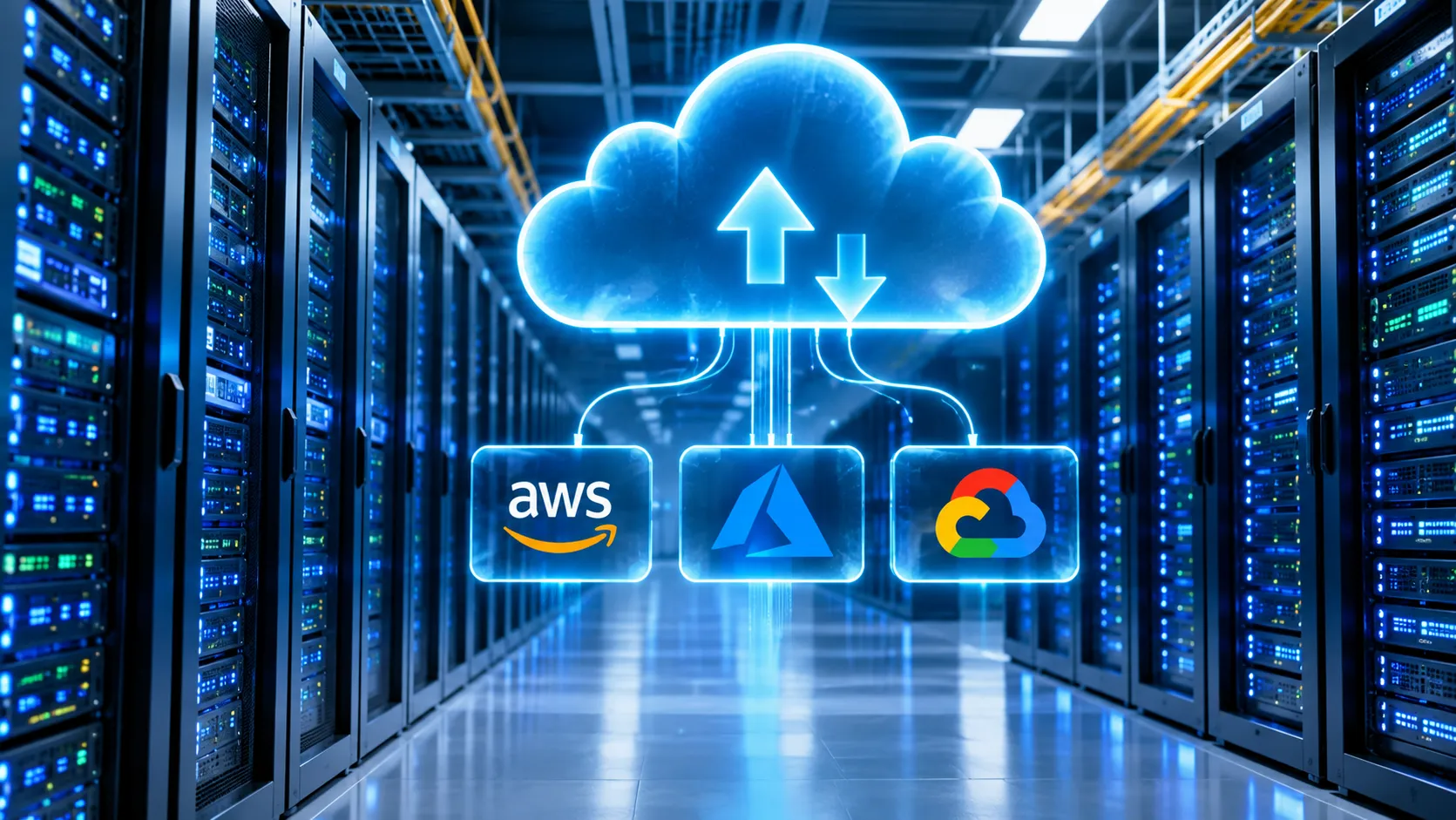
Cloud Computing Careers: AWS, Azure and Google Cloud
Cloud computing has transformed how businesses build, store and manage digital services. Instead of maintaining all computing resources on physical servers, organizations can use cloud platforms to access storage, networking, databases, software and computing power over the internet. This shift has created a wide range of cloud computing careers for people interested in technology, infrastructure and software systems.
Amazon Web Services (AWS), Microsoft Azure and Google Cloud are three major cloud platforms used by organizations worldwide. Each platform offers different services and career opportunities, including cloud engineering, architecture, administration, security and DevOps. Understanding these platforms can help beginners choose a suitable learning path and prepare for cloud-related jobs.
1. What Is Cloud Computing?
Cloud computing is the delivery of computing services through the internet. These services can include virtual servers, databases, storage, networking, analytics and application hosting. Businesses use cloud infrastructure to access technology resources without having to purchase and maintain every physical component themselves.
Cloud services can be scaled according to demand. For example, an online store may increase its computing capacity during a busy shopping season and reduce it when traffic becomes lower.
Main Types of Cloud Computing
2. Why Choose a Career in Cloud Computing?
Cloud computing is an important part of modern IT infrastructure. Companies use cloud platforms to host applications, manage data, support remote teams and improve the reliability of digital services.
A cloud computing career can suit people who enjoy solving technical problems, managing systems, working with networks and learning new technologies.
Key Benefits of Cloud Careers
3. Understanding Amazon Web Services (AWS)
Amazon Web Services, commonly known as AWS, is a cloud computing platform that provides services for computing, storage, databases, networking, security and application development. Organizations use AWS to host websites, operate business applications, process data and build scalable infrastructure.
Important AWS Services
Popular AWS Career Roles
4. Understanding Microsoft Azure
Microsoft Azure is a cloud computing platform that provides infrastructure, databases, application hosting, networking, security and analytics services. It is widely used by organizations that work with Microsoft technologies, enterprise applications and hybrid IT environments.
Important Azure Services
Popular Azure Career Roles
5. Understanding Google Cloud
Google Cloud, also known as Google Cloud Platform (GCP), provides cloud infrastructure and managed services for application hosting, data analytics, artificial intelligence, networking and software development. It is used by organizations that need scalable computing resources and data-focused cloud solutions.
Important Google Cloud Services
Popular Google Cloud Career Roles
6. AWS vs Azure vs Google Cloud
All three platforms provide computing, storage, networking, databases, security and application services. Their products, management tools and technical ecosystems differ. The best platform to learn first depends on your career goals, existing technical knowledge and the technologies used by employers in your target job market.
| Feature | AWS | Microsoft Azure | Google Cloud |
|---|---|---|---|
| Virtual machines | Amazon EC2 | Azure Virtual Machines | Compute Engine |
| Object storage | Amazon S3 | Azure Blob Storage | Cloud Storage |
| Managed SQL databases | Amazon RDS | Azure SQL Database | Cloud SQL |
| Container platform | Amazon EKS | Azure Kubernetes Service | Google Kubernetes Engine |
| Serverless computing | AWS Lambda | Azure Functions | Cloud Run and Cloud Functions |
| Monitoring | Amazon CloudWatch | Azure Monitor | Cloud Monitoring |
| Identity management | AWS IAM | Microsoft Entra ID and Azure RBAC | Cloud IAM |
7. Essential Skills for Cloud Computing Careers
Cloud professionals need a combination of technical knowledge, practical experience and problem-solving ability. You can build these skills gradually instead of trying to learn every cloud service at once.
Networking Fundamentals
Understand IP addresses, DNS, ports, routing, firewalls, subnets, load balancing and virtual private networks. Networking knowledge is essential when configuring secure connections between cloud resources.
Linux and Windows Administration
Learn how to manage operating systems, users, permissions, services, processes and logs. Linux is particularly important in many cloud and container environments, while Windows administration is useful in Microsoft-based organizations.
Programming and Scripting
Python, Bash and PowerShell can help automate routine work. Basic programming knowledge is useful for writing scripts, interacting with cloud APIs and managing infrastructure.
Databases
Understand relational databases, SQL, backups, database security and performance basics. Familiarity with managed cloud database services is useful for cloud engineering roles.
Cloud Security
Learn identity management, access permissions, encryption, network security, secret management and security monitoring. Cloud professionals should understand the shared responsibility model and the importance of configuring resources securely.
Infrastructure as Code
Infrastructure as Code (IaC) allows infrastructure to be defined and managed through configuration files. Tools such as Terraform help make cloud environments more consistent and repeatable.
Containers and DevOps
Learn Docker, Kubernetes, version control and CI/CD concepts. These technologies are valuable for building, deploying and maintaining modern applications.
8. Cloud Computing Certifications
Certifications can provide structured learning and demonstrate knowledge of cloud services. They are not a replacement for practical experience, but they can help learners organize their studies and prepare for technical interviews.
AWS Certifications
Microsoft Azure Certifications
Google Cloud Certifications
Certification names, exam requirements and availability can change. Always check the official AWS, Microsoft and Google Cloud certification websites before purchasing training or booking an exam.
9. How to Start a Career in Cloud Computing
Beginners can follow a structured learning roadmap to develop the foundations needed for entry-level cloud roles. Start with general IT concepts, then choose one cloud platform and gain practical experience.
Step 1: Learn Basic IT and Networking
Study operating systems, networking, servers, storage and databases. Understand how websites and applications communicate with servers.
Step 2: Choose One Cloud Platform
Select AWS, Azure or Google Cloud as your first platform. Review its beginner documentation and learn how its main services work.
Step 3: Practice Core Cloud Services
Learn how to create a virtual machine, configure storage, set up a basic network and manage access permissions. Use a test environment and monitor resource usage.
Step 4: Learn Linux and Scripting
Practice common Linux commands and write simple Python, Bash or PowerShell scripts. Automate basic tasks such as file management and system checks.
Step 5: Understand Security
Learn how to configure identities, roles, permissions, network rules and encryption. Avoid exposing credentials or leaving unnecessary resources publicly accessible.
Step 6: Learn Automation Tools
Explore Git, Terraform, Docker and CI/CD tools. These technologies help manage infrastructure and application delivery more efficiently.
Step 7: Build Practical Projects
Create a small portfolio that demonstrates your ability to deploy and manage cloud resources. Document each project's purpose, architecture, tools and implementation steps.
Step 8: Prepare for Entry-Level Roles
Review cloud engineer, cloud support, junior administrator and infrastructure support job descriptions. Identify common skills and prepare examples from your projects to discuss during interviews.
10. Practical Cloud Projects for Beginners
Hands-on projects are an effective way to understand cloud services. Begin with small, low-cost exercises and expand them as your skills improve.
Project 1: Host a Static Website
Deploy a simple HTML and CSS website using a cloud storage or hosting service. Configure the required access settings and test whether the website loads correctly.
Project 2: Launch a Virtual Machine
Create a virtual machine on your selected cloud platform. Connect securely, install a web server and host a basic test page.
Project 3: Configure Cloud Storage
Create a storage resource, upload sample files and review access permissions. Practice organizing files and understanding storage security.
Project 4: Deploy a Database
Set up a managed database in a test environment. Connect a small application and learn how to manage database access and backups.
Project 5: Build a Containerized Application
Create a simple application, package it with Docker and deploy it to a suitable cloud container service. Document the build and deployment process.
Project 6: Automate Infrastructure
Use Terraform to define a small cloud environment. Practice reviewing configuration changes and managing resources through repeatable code.
11. Cloud Computing Job Roles and Responsibilities
Cloud computing includes several professional specializations. The responsibilities and required skills vary according to the organization and the level of the position.
12. Cloud Computing Salary and Job Opportunities
Cloud computing salaries depend on the country, employer, experience level, platform knowledge and job responsibilities. Entry-level professionals may begin in cloud support or junior administration roles, while experienced engineers and architects may manage complex infrastructure and large-scale systems.
Cloud professionals work in software development companies, banks, telecommunications, healthcare, e-commerce, consulting firms, government organizations and technology service providers.
When comparing job opportunities, review the required platform experience, certifications, networking knowledge, security responsibilities and automation skills. Salary information should be checked against current job listings and reliable local market sources because compensation changes over time.
13. Common Challenges in Cloud Computing
Cloud platforms provide powerful services, but managing them requires careful planning and continuous learning.
14. Future of Cloud Computing Careers
Cloud computing continues to develop as organizations modernize their applications and infrastructure. Hybrid cloud, multi-cloud, container platforms, serverless computing and automated infrastructure management are important areas of interest.
Artificial intelligence and data analytics also depend on cloud infrastructure for computing resources, storage and managed services. As a result, cloud professionals may increasingly work alongside data engineers, software developers, cybersecurity specialists and AI teams.
Professionals who understand cloud fundamentals, security, automation and system architecture can build adaptable skills for a changing technology environment.
15. Tips for Building a Successful Cloud Career
Frequently Asked Questions
1. What is the best cloud platform for beginners?
AWS, Microsoft Azure and Google Cloud are all suitable learning options. Choose one based on your career interests, available learning resources and the platforms used by employers in your target market.
2. Can I start a cloud computing career without a degree?
Some employers accept candidates with practical skills, certifications and project experience instead of requiring a specific degree. Requirements vary by organization and position.
3. Which programming language is useful for cloud computing?
Python is useful for automation and cloud development. Bash and PowerShell are also valuable for managing systems and writing administrative scripts.
4. Are cloud certifications worth pursuing?
Certifications can provide structured learning and demonstrate knowledge of a cloud platform. They are most useful when combined with hands-on practice and practical projects.
5. What does a cloud engineer do?
A cloud engineer builds, configures and maintains cloud infrastructure. Responsibilities may include virtual machines, networking, storage, security, automation and application deployment.
6. Is coding necessary for cloud jobs?
Not every cloud role requires advanced programming, but scripting and basic programming knowledge are useful for automation, troubleshooting and managing cloud services.
7. What is the difference between AWS, Azure and Google Cloud?
They are separate cloud platforms with their own services, management tools and ecosystems. All provide computing, storage, networking, databases and security capabilities.
8. Can I learn cloud computing at home?
Yes. You can study cloud concepts through official documentation and training resources, then practice with free learning options or carefully controlled test environments. Always review pricing and remove unused resources.
9. What jobs can I get after learning cloud computing?
Possible entry-level paths include cloud support engineer, junior cloud administrator and infrastructure support roles. With experience, professionals may progress into cloud engineering, architecture, security or DevOps.
10. Do cloud engineers need to know networking?
Yes. Networking is important for configuring virtual networks, subnets, DNS, firewalls, routing and secure communication between cloud services.
Conclusion
Cloud computing offers several career paths across infrastructure, development, security, administration and architecture. AWS, Microsoft Azure and Google Cloud provide the services that organizations use to build and operate modern digital systems.
For beginners, the best approach is to build a foundation in networking, operating systems and basic scripting, then focus on one cloud platform. Practice with real projects, understand cloud security and gradually learn automation tools. With consistent learning and practical experience, you can prepare for cloud computing opportunities and develop your skills toward more advanced technical roles.
Continue exploring: all career guides · career categories