
UX Designer vs UI Designer
Explore the differences between UX designers and UI designers, including their responsibilities, essential skills, tools, qualifications and career opportunities.
UX Designer vs UI Designer: Roles, Skills and Differences
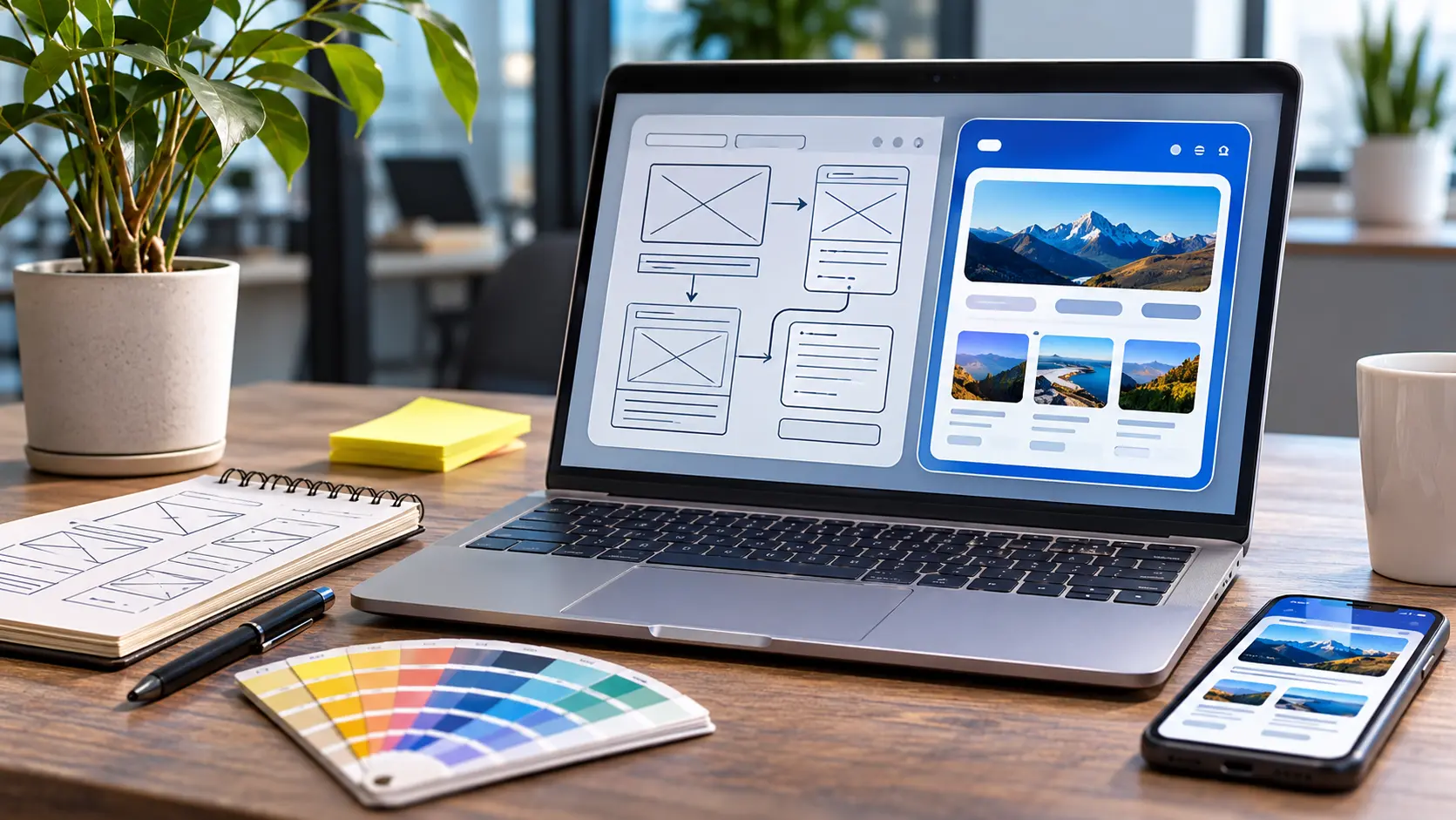
UX designer vs UI designer is an important comparison for anyone interested in building a career in digital product design. Both professionals contribute to creating websites, mobile applications and digital platforms, but their responsibilities are different. User Experience (UX) designers focus on how a product works and how people interact with it, while User Interface (UI) designers focus on how the product looks and how its visual elements communicate with users.
Although UX and UI design often work together, each discipline requires a different combination of research, problem-solving, creativity and technical skills. Understanding these differences can help students, beginners and career changers choose the right learning path.
1. What Is UX Design?
User Experience design focuses on improving the overall experience people have when using a website, application or digital service. UX designers study user needs, identify problems and organize information so that people can complete tasks easily and efficiently.
The goal of UX design is to make digital products useful, accessible, understandable and convenient. A UX designer considers the complete journey a user takes, from discovering a product to completing an action.
Main Responsibilities of a UX Designer
2. What Is UI Design?
User Interface design focuses on the visual and interactive elements people see and use when interacting with a digital product. UI designers create the appearance of screens, buttons, menus, icons, forms, typography, colors and other interface components.
The goal of UI design is to create a visually consistent and understandable interface that supports the product's functionality. A well-designed interface helps users recognize available actions and interact with the product confidently.
Main Responsibilities of a UI Designer
3. UX Designer vs UI Designer: Key Differences
The main difference between UX and UI design is their focus. UX design concentrates on the overall experience and usability of a product, while UI design concentrates on its visual presentation and interactive interface.
| Area | UX Designer | UI Designer |
|---|---|---|
| Main focus | User experience and usability | Visual interface and interaction |
| Primary goal | Make products easy and effective to use | Make interfaces clear and visually consistent |
| Research | User research and usability testing | Visual references and interface design research |
| Common deliverables | User flows, wireframes and prototypes | Screen designs, design systems and visual components |
| Key skills | Research, analysis and problem-solving | Visual design, layout and typography |
| Typical tools | Figma, FigJam and research tools | Figma, Adobe Illustrator and visual design tools |
| Success measures | Usability, task completion and user satisfaction | Visual consistency, clarity and interface quality |
4. Skills Required for UX Designers
UX designers need to understand users and translate their needs into practical product experiences. Their work requires analytical thinking, communication and an understanding of how people interact with digital systems.
User Research
User research helps designers understand what people need, what problems they experience and how they use a product. Interviews, surveys, observation and usability testing can provide useful insights.
Information Architecture
Information architecture involves organizing content and features so users can find information without unnecessary confusion. It includes navigation structures, content grouping and page organization.
Wireframing
Wireframes are simplified layouts that show the structure and placement of elements on a screen. They help designers plan a product before investing time in detailed visual design.
Prototyping and Testing
UX designers create prototypes to demonstrate how users move through a product. Testing these prototypes can reveal navigation problems, confusing interactions and opportunities for improvement.
Problem-Solving
UX designers must identify the cause of user difficulties and develop practical solutions. They also need to balance user needs with business goals and technical limitations.
5. Skills Required for UI Designers
UI designers need strong visual design abilities and an understanding of how interface elements communicate information. Their work requires attention to detail and consistency.
Visual Design Principles
UI designers use balance, contrast, alignment, spacing and hierarchy to create clear and attractive interfaces. These principles help users understand which elements are important.
Typography
Typography affects readability and the visual character of a digital product. UI designers select suitable fonts, text sizes, weights and line spacing for different interface elements.
Color Theory
Understanding color relationships helps designers create consistent interfaces and communicate information effectively. Color choices should also consider accessibility and sufficient contrast.
Layout and Responsive Design
UI designers organize content and interface elements so that screens work across desktop computers, tablets and mobile devices. Responsive layouts help maintain usability on different screen sizes.
Design Systems
A design system contains reusable visual components, styles and guidelines. It helps teams maintain consistency across multiple screens and products.
6. Tools Used by UX and UI Designers
UX and UI professionals use digital tools to research, plan, design, prototype and communicate their work. Some tools support both disciplines, while others are more specialized.
Figma
Figma is widely used for interface design, collaborative design work, wireframing and interactive prototyping. It allows designers to work on shared projects and maintain reusable components.
FigJam
FigJam provides a collaborative whiteboard environment for brainstorming, user journey mapping, workshops and organizing research findings.
Adobe Illustrator
Adobe Illustrator is used for vector graphics, icons, illustrations and other visual assets that can support interface design.
Adobe Photoshop
Photoshop supports image editing, visual asset preparation and graphic design tasks that may be required in digital products.
Other Useful Tools
7. Education and Qualifications
There is no single degree required for every UX or UI designer position. Employers often consider practical skills, design knowledge, relevant experience and the quality of a candidate's portfolio.
Relevant Educational Backgrounds
Short courses and professional training can also help beginners learn design principles, user research, prototyping and industry tools. However, practical projects are important for demonstrating what a candidate can do.
8. How to Become a UX Designer
Becoming a UX designer involves learning how to understand users, identify problems and develop effective product experiences.
9. How to Become a UI Designer
People interested in visual communication and digital interfaces can prepare for UI design by developing design fundamentals and learning professional interface tools.
10. UX and UI Design Portfolio
A portfolio is an important part of applying for UX and UI design positions. It allows employers to review practical abilities instead of relying only on qualifications or software knowledge.
What a UX Portfolio Should Include
What a UI Portfolio Should Include
11. Career Opportunities and Job Titles
UX and UI skills can lead to several roles in technology companies, digital agencies, startups and organizations developing digital products.
UX Career Roles
UI Career Roles
Combined UX/UI Roles
Some employers combine both responsibilities into a single position. Common titles include Product Designer, UX/UI Designer and Digital Product Designer. These roles may require research, wireframing, prototyping and visual interface design.
12. Salary and Career Growth
UX and UI designer salaries vary by country, experience, industry, employer and technical specialization. Senior professionals and designers with strong product experience may qualify for more advanced responsibilities.
When evaluating job opportunities, candidates should compare the full role rather than relying only on the job title. Some UI positions include UX responsibilities, while some UX roles require strong interface design skills.
Career growth may lead to senior design positions, product design leadership, design management, user research specialization or independent consulting. Building a strong portfolio and continuing to improve practical skills can support long-term development.
13. Which Career Should You Choose?
The right choice depends on your interests, strengths and preferred type of work.
Choose UX Design If You Enjoy:
Choose UI Design If You Enjoy:
If both areas interest you, learning UX and UI together can provide a broader understanding of digital product design. Many product design roles require professionals to understand both user experience and visual interface principles.
14. Future of UX and UI Design
Digital products continue to evolve across websites, mobile applications, connected devices and software platforms. This creates ongoing opportunities for professionals who can make technology easier to understand and use.
Accessibility, responsive design, personalization and design systems are important areas of modern product development. Artificial intelligence tools are also influencing design workflows by helping teams explore ideas, generate content and support repetitive tasks. Designers still need to make informed decisions about user needs, visual communication and product quality.
Professionals who combine strong design fundamentals with research, collaboration and an understanding of emerging technologies can prepare for changing requirements in the digital design industry.
Frequently Asked Questions
1. What is the main difference between UX and UI designers?
UX designers focus on the overall user experience, usability and product structure. UI designers focus on visual elements such as layouts, colors, typography, buttons and interface components.
2. Can one person be both a UX and UI designer?
Yes. Many professionals learn both disciplines and work in combined UX/UI or product design roles. The responsibilities depend on the employer and project.
3. Do UX designers need coding skills?
Coding is not a universal requirement for UX designers. However, basic knowledge of HTML, CSS and software development can help designers communicate with developers and understand technical limitations.
4. Do UI designers need artistic skills?
UI designers benefit from visual creativity, but professional interface design also requires structured knowledge of layout, typography, accessibility, consistency and design systems.
5. Is Figma useful for both UX and UI design?
Yes. Figma supports wireframing, interface design, collaboration, reusable components and interactive prototyping, making it useful for both disciplines.
6. Can beginners enter UX or UI design without a design degree?
Yes. Some employers consider candidates from different educational backgrounds when they can demonstrate relevant skills, practical projects and a strong portfolio.
7. Which career is better: UX design or UI design?
Neither is universally better. UX design may suit people interested in research and problem-solving, while UI design may suit people interested in visual communication and interface creation.
8. What should beginners learn first?
Beginners can start with design fundamentals, basic UX and UI principles, and Figma. They should then create practical projects and develop a portfolio that demonstrates their skills.
Conclusion
UX and UI designers play different but closely connected roles in digital product development. UX designers improve how products work and how people complete tasks, while UI designers create the visual interfaces that make those interactions clear and consistent. Both career paths offer opportunities across technology companies, digital agencies and product teams.
Choosing between UX and UI design depends on whether you are more interested in user research and problem-solving or visual design and interface creation. Learning the fundamentals, practicing with professional tools and building a strong portfolio can help you prepare for a career in either field.
Continue exploring: all career guides · career categories