
Video Editing and Motion Design Careers
Explore video editing and motion design careers, including the creative skills, software, storytelling techniques, and portfolio experience needed to work in digital media.
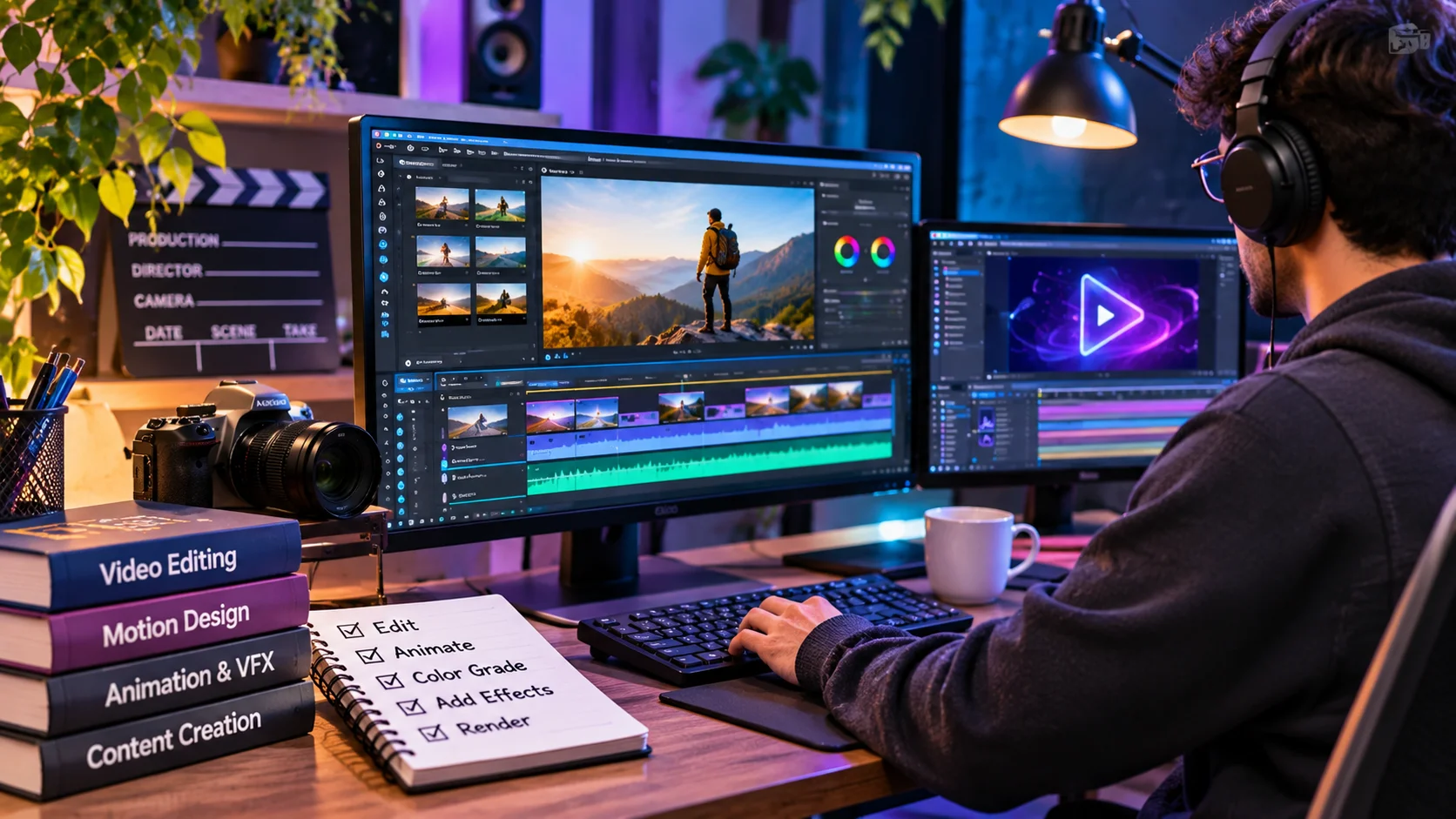
Video Editing and Motion Design Careers
Videos have become an important part of how people learn, communicate, advertise, and enjoy entertainment. From short social media clips to films, online courses, product advertisements, and documentaries, professionally produced videos help people understand stories and ideas. Behind much of this content are video editors and motion designers who turn raw footage, images, sound, and graphics into engaging visual experiences.
Video editing and motion design offer career opportunities for people who enjoy visual storytelling, creative problem-solving, and working with digital media. Although the two fields are closely connected, they involve different skills and responsibilities. Understanding these differences can help beginners choose a suitable direction and develop the right experience.
What Is Video Editing?
Video editing is the process of selecting, arranging, and improving video footage to create a finished production. Editors work with recorded clips, audio, music, graphics, and other visual elements to make a video clear, engaging, and consistent.
A video editor may work on a film scene, a YouTube video, a business advertisement, a wedding film, a documentary, or a social media campaign. The editing approach changes depending on the audience, platform, purpose, and style of the project.
What Is Motion Design?
Motion design, also known as motion graphics, combines graphic design with animation. It brings text, shapes, illustrations, icons, and other visual elements to life through movement.
Motion designers create animated titles, logo animations, explainer videos, product demonstrations, promotional graphics, and visual effects. Their work helps communicate information in a way that is easy to follow and visually interesting.
Video Editing and Motion Design: Key Differences
Video editing mainly focuses on arranging recorded footage and building a complete visual story. Motion design focuses on creating and animating graphic elements. Many creative projects use both skills, especially advertisements, educational videos, and branded content.
What Does a Video Editor Do?
A video editor is responsible for shaping recorded material into a finished production. The work usually begins after footage has been recorded, although editors may also contribute ideas during pre-production and filming.
Reviewing and Organizing Footage
Editors begin by reviewing recorded clips and selecting the material that best supports the project. They organize files, label important scenes, and prepare the footage for editing.
Creating the Video Sequence
Editors arrange clips in a logical order, remove unnecessary sections, and adjust the timing of scenes. Good pacing helps maintain attention and makes the story easier to understand.
Working with Audio
Sound plays an important role in video production. Editors balance dialogue, music, background sounds, and sound effects so that the final video feels natural and professional.
Color Correction and Finishing
Editors adjust brightness, contrast, white balance, and color consistency. They also check transitions, titles, audio levels, and export settings before delivering the final file.
What Does a Motion Designer Do?
Motion designers create animated visual elements that support a message or tell a story. They often begin with a design concept or storyboard before producing the final animation.
Creating Visual Concepts
Motion designers plan how information should appear on screen. They may sketch ideas, prepare layouts, select colors, and decide how graphic elements will move.
Animating Text and Graphics
They use animation techniques to move titles, illustrations, logos, shapes, and other design elements. Timing and movement must support the message rather than distract viewers.
Producing Explainer Videos
Businesses and educational organizations often use motion graphics to explain products, services, and complicated topics. Motion designers turn these ideas into short visual sequences that are easier to understand.
Adding Visual Effects
Some motion designers also work with compositing, masking, tracking, and visual effects. These techniques help combine different visual elements into a smooth and believable result.
Essential Skills for Video Editing Careers
Successful video editors need a combination of technical knowledge and creative judgment. Software skills are important, but understanding storytelling and audience expectations is equally valuable.
Essential Skills for Motion Designers
Motion designers need a strong understanding of visual communication and how design behaves over time. Their work combines graphic design principles with animation techniques.
Popular Software Used in Video Editing and Motion Design
Creative professionals use different software depending on the type of project, their experience, and the requirements of their clients. Beginners should focus on learning one suitable tool before moving on to more advanced applications.
Adobe Premiere Pro
Premiere Pro is widely used for editing video footage, arranging sequences, working with audio, and preparing content for different platforms.
DaVinci Resolve
DaVinci Resolve combines video editing, color correction, visual effects, and audio post-production tools. It is useful for both beginners and experienced editors.
Adobe After Effects
After Effects is commonly used for motion graphics, animated titles, compositing, and visual effects. It is particularly useful for designers who want to specialize in animation.
Final Cut Pro
Final Cut Pro is a video editing application used by many professionals working on Apple computers. It supports editing workflows for different types of video production.
Blender
Blender is a 3D creation tool that can be used for modeling, animation, rendering, and visual effects. It can help motion designers expand into three-dimensional work.
CapCut
CapCut provides accessible editing features for short-form videos and social media content. It can be a convenient starting point for people learning basic editing techniques.
How to Start a Career in Video Editing or Motion Design
Starting a creative career does not require mastering every professional tool at once. A focused learning plan, regular practice, and a collection of completed projects can help beginners build confidence and demonstrate their abilities.
Step 1: Choose Your Creative Direction
Decide whether you are more interested in editing recorded footage, creating animated graphics, or combining both. You can explore both areas before choosing a specialization.
Step 2: Learn the Fundamentals
Study basic editing, visual storytelling, composition, typography, color, and sound. These principles remain useful even when software and production trends change.
Step 3: Practice with Real Projects
Start with manageable projects such as a short promotional video, a travel montage, an animated title sequence, or a simple explainer. Practice regularly and review your work to identify areas that need improvement.
Step 4: Learn Professional Software
Choose software that matches your goals. Learn how to import media, organize projects, edit sequences, use transitions, manage audio, create graphics, and export finished work correctly.
Step 5: Understand Different Platforms
Videos are produced for websites, social media, television, presentations, and streaming platforms. Learn how aspect ratios, resolution, subtitles, and video length affect the final result.
Step 6: Build a Portfolio
Collect your strongest projects and present them in an organized portfolio. Show different types of work where possible, and explain your role in each project. A focused collection of quality examples is more useful than a large collection of unfinished experiments.
How to Build a Strong Creative Portfolio
A portfolio helps employers and clients understand your creative abilities. It should show not only the finished result but also the type of work you can handle.
For a video editing portfolio, consider including:
For a motion design portfolio, consider including:
Keep your portfolio easy to navigate. Use clear project titles, brief descriptions, and working video links. Always identify your contribution accurately when a project involved other people.
Career Opportunities in Video Editing and Motion Design
Video production and motion design skills can lead to different creative roles. Some professionals work as full-time employees, while others work independently or collaborate with production agencies.
Where Can Video Editors and Motion Designers Work?
Creative professionals are needed in many industries that use video to communicate with audiences. Opportunities may be available in advertising agencies, film production companies, television networks, digital marketing firms, educational organizations, and businesses with in-house media teams.
Some professionals work remotely with clients and production teams. Freelancers may handle projects such as promotional videos, social media content, event films, product demonstrations, and animated explainers.
Challenges in These Creative Careers
Video editing and motion design can be enjoyable, but the work also requires patience and discipline. Large projects may involve long editing sessions, multiple revisions, detailed feedback, and tight delivery schedules.
Creative professionals must also keep their skills current. New software features, production techniques, and platform requirements can change the way content is created and delivered.
Another challenge is balancing creativity with client expectations. A successful project must meet its creative goals while following the agreed brief, budget, timeline, and technical requirements.
Tips for Growing in the Industry
Frequently Asked Questions
Do I need a degree to become a video editor?
A degree is not always required. Employers and clients often look at practical skills, completed projects, software knowledge, and portfolio quality. Courses in film, media, communication, or design can provide a useful foundation.
What is the difference between video editing and motion graphics?
Video editing focuses on arranging recorded footage, audio, and scenes into a complete production. Motion graphics focuses on animating graphic elements such as text, shapes, illustrations, and logos.
Which software should beginners learn first?
Beginners can start with a video editing application such as DaVinci Resolve, Premiere Pro, or CapCut. Those interested in motion graphics can explore After Effects or Blender as they develop their skills.
Can I work as a freelance video editor?
Yes. Freelance editors work with businesses, creators, agencies, and individual clients. A clear portfolio, reliable communication, realistic deadlines, and consistent work quality can help build a freelance career.
Is motion design difficult to learn?
Motion design takes practice because it combines graphic design, animation, timing, and software skills. Beginners can make progress by learning basic design principles and creating simple animations before moving to more complex projects.
What should I include in a video editing portfolio?
Include your strongest completed projects, such as promotional videos, short-form content, storytelling edits, and examples of color correction or audio work. Explain your contribution and make sure the videos are easy to view.
Final Thoughts
Video editing and motion design provide creative career paths for people who enjoy visual communication and digital storytelling. Both fields require technical practice, creative judgment, and the ability to understand what an audience needs from a video.
Start by choosing a direction, learning the basic tools, and completing small projects. Build a portfolio that shows your best work and continue improving through practice and feedback. With dedication and a willingness to learn, you can develop the skills needed to pursue opportunities in the creative media industry.
Continue exploring: all career guides · career categories